

How to Set Up a Secure Crypto Wallet for Daily Transactions in 2026
Establishing a secure cryptocurrency wallet is no longer a niche technical exercise. It is a fundamental requirement for financial sovereignty in the digital age. According to recent industry data, over 24.6 million Americans remain unbanked or underbanked, making self-custody solutions critical for accessing the global economy. This guide details the precise steps to configure a non-custodial wallet for seamless daily use.
Understanding Non-Custodial Wallet Architecture
Before configuring your device, you must understand the architecture of self-custody. A non-custodial wallet means you alone hold the private keys. This eliminates the risk of exchange insolvency. ByteVault is a non-custodial mobile app that allows you to hold your own keys while providing access to the broader Bitcoin ecosystem. Unlike centralized exchanges, your identity and assets are not held by a third party. This structure ensures that you maintain full control over your financial data.
The security model relies on the secp256k1 curve, the same cryptographic standard securing over $1 trillion in Bitcoin. This provides enterprise-grade protection against unauthorized access. By using a non-custodial solution, you avoid the vulnerabilities associated with password-based systems. Credential stuffing attacks, which account for 81% of breaches, are rendered irrelevant when you use cryptographic keys instead of passwords.
Step 1: Download and Verify the Application
The first technical step is acquiring the correct software. You must download the official ByteVault application from the Google Play Store or the Apple App Store. Verify the publisher details to ensure you are installing the legitimate client. Avoid third-party APKs or unofficial mirrors.
Upon installation, you will be prompted to register. Use your current phone number to initiate the identity verification process. This step is crucial for compliance with US financial regulations. The verification process typically takes only a few minutes. Once verified, you can proceed to the onboarding sequence. This ensures that your account is secure and ready for high-volume transactions.
Step 2: Implementing Biometric and Seed Security
Security is the cornerstone of daily crypto usage. You must configure biometric authentication immediately. Enable Face ID or Touch ID on your device. This adds a layer of physical security that prevents unauthorized app access. When you open the app, your biometric data confirms your identity before any transaction is signed.
Next, you must secure your seed phrase. The seed phrase is a list of 12 or 24 words that acts as the master key to your funds. Write this down on paper and store it in a secure physical location. Never store this digitally. If you lose access to your device, this phrase is the only way to recover your funds. Never share your seed phrase with anyone. Support staff will never ask for it. This is a universal rule in self-custody.
Step 3: Funding Your Wallet via ATMs and On-Ramps
Funding your wallet is the bridge between fiat currency and crypto. You have two primary methods for daily transactions. The first is using a Bitcoin ATM. Byte Federal operates a vast network of ATMs across the United States. You can locate the nearest kiosk using the built-in map feature in the ByteVault app.
To fund via ATM, select the "Buy" option. Scan the QR code displayed on your phone screen. Insert cash into the machine. The ATM will process the transaction and send the Bitcoin directly to your wallet address. This process is fast and does not require a bank account. For those who prefer digital on-ramps, you can use the ByteWallet feature to buy Bitcoin online in three easy steps. This method is ideal for users who do not have immediate access to cash.
Another option is the ByteConnect Point of Sale system. This allows businesses to accept crypto payments. For individual users, understanding how to use these terminals can help you find merchants who accept direct wallet transfers. This reduces reliance on traditional banking rails.
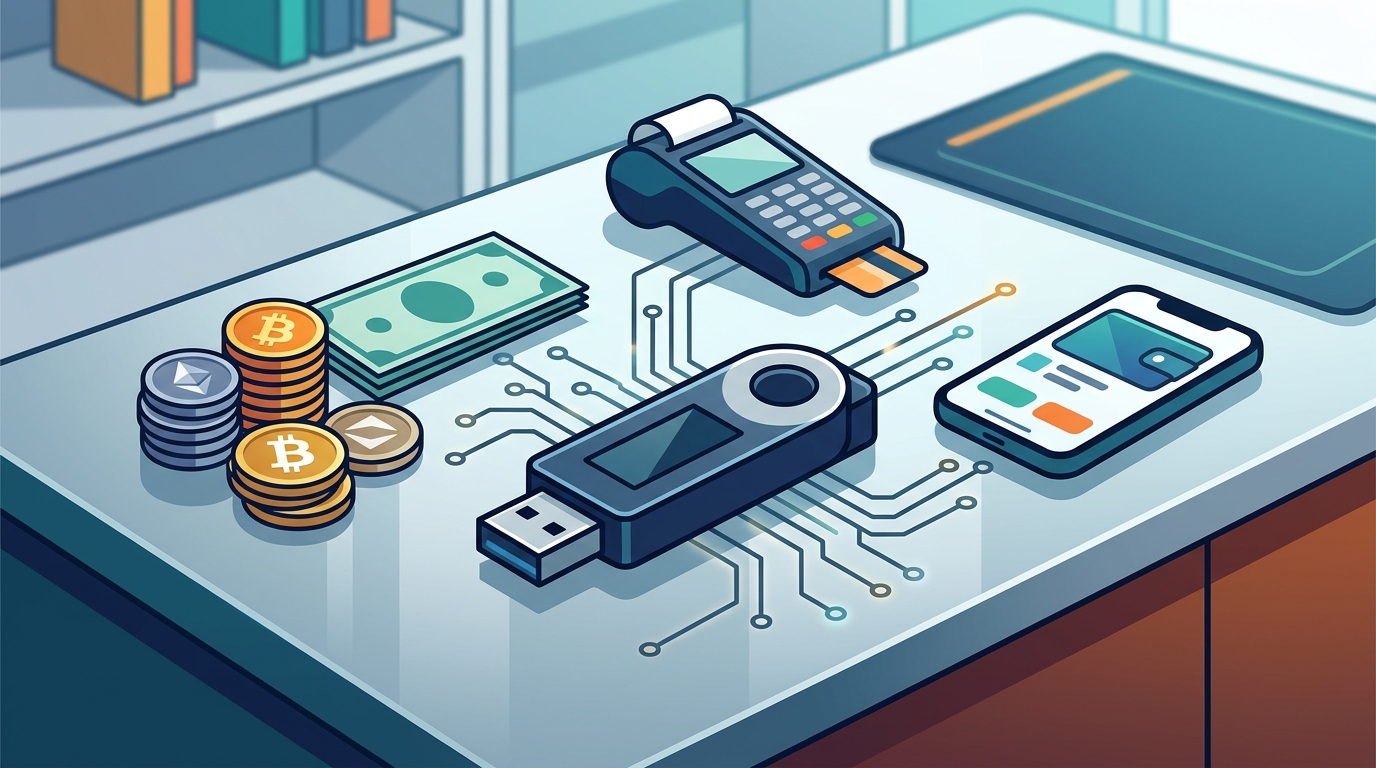
Step 4: Executing Daily Transactions and POS Payments
Once funded, your wallet is ready for daily use. You can send Bitcoin to any address globally. For local transactions, you can use the Lightning Network for instant, low-fee payments. This is essential for buying coffee or groceries. The speed of Lightning transactions ensures that your funds are available immediately.
For online purchases, you can use your wallet address as a payment method. Many merchants now accept crypto directly. If you are a business owner, you can integrate ByteConnect to accept payments seamlessly. This system is secure, private, and fraud-proof. It eliminates the risk of chargebacks that plague traditional credit card processing.
Regularly review your transaction history within the app. This helps you track your spending and manage your portfolio. The app provides real-time analytics on your holdings. This transparency is vital for making informed financial decisions. By keeping your funds in a non-custodial wallet, you ensure that you are the sole arbiter of your financial destiny.
Key Takeaways
- Non-custodial wallets like ByteVault give you full control over your private keys.
- Biometric authentication (Face ID/Touch ID) is essential for daily security.
- Seed phrases must be stored physically and never shared digitally.
- Bitcoin ATMs provide a cash-to-crypto on-ramp for unbanked users.
- Lightning Network enables instant, low-cost daily transactions.
- ByteConnect allows businesses to accept crypto payments securely.
- Verification is required for compliance with US financial regulations.
Frequently Asked Questions
Is ByteVault safe for daily use?
Yes, ByteVault uses the secp256k1 cryptographic standard, which is the same security model used by Bitcoin. It is designed for high-frequency transactions.
How do I find a Bitcoin ATM near me?
You can use the location finder in the ByteVault app to locate the nearest kiosk. The app provides directions and real-time status updates.
What happens if I lose my phone?
If you have securely written down your seed phrase, you can recover your funds on any new device. The seed phrase is your only recovery method.
Can I use ByteVault for business payments?
Yes, you can use ByteConnect to accept crypto payments. This system is designed for merchants who want to offer crypto options to customers.
Is there a fee for buying Bitcoin at an ATM?
ATMs charge a transaction fee, which varies by location. The fee is displayed before you confirm the transaction. Online on-ramps may have different fee structures.
Do I need to verify my identity?
Yes, US regulations require identity verification for crypto transactions. This process is quick and ensures compliance with financial laws.
How fast are Lightning Network transactions?
Lightning transactions are nearly instant. They are suitable for daily purchases like food and beverages.
Start Your Financial Freedom Journey
Take control of your financial future today. Download ByteVault and join thousands of Americans who are securing their financial freedom. Visit Byte Federal to learn more about our services. You can also explore our merchandise store for Bitcoin gear. For developer resources, check out ByteAuth. To find a kiosk near you, use our location finder. Contact our support team at support@bytefederal.com for assistance.