
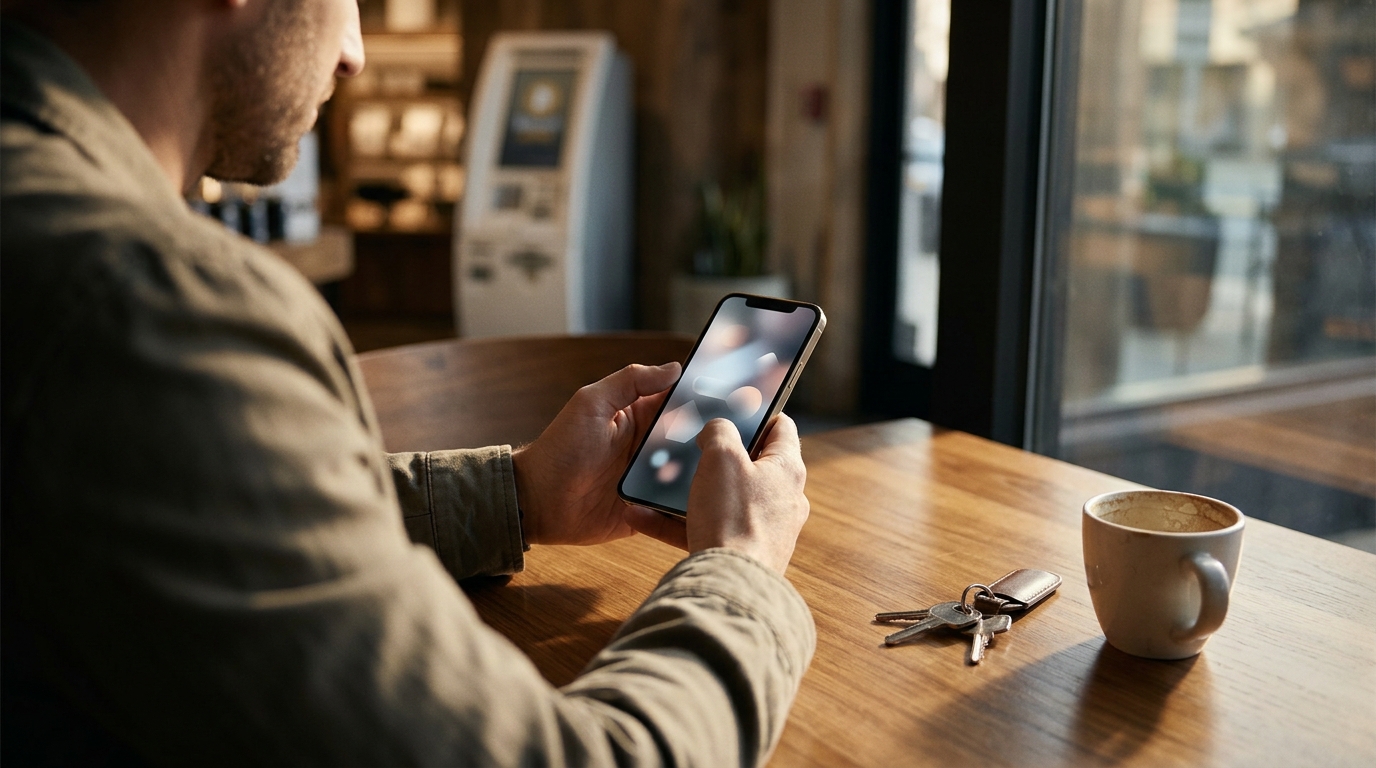
Preparing your digital wallet is the most critical step before visiting a Bitcoin ATM. Without a valid receiving address, you cannot complete a cash-to-crypto transaction. Byte Federal, a leading Bitcoin ATM operator in the United States, emphasizes that proper wallet setup ensures a smooth and secure first purchase. This guide outlines the essential steps to get your wallet ready for your first visit to a kiosk.
1. Choose a Reputable Wallet Provider
Select a wallet that supports the specific cryptocurrency you intend to buy. Not all wallets support every coin, so verify compatibility before downloading. For Bitcoin, you can use a dedicated Bitcoin wallet or a multi-asset application. Byte Federal offers the ByteVault app, which is designed for self-custody and integrates directly with their ATM network for faster login and transaction processing.
2. Download and Install the Application
Install the wallet app from official app stores to avoid malware. Always download your wallet from the Apple App Store or Google Play Store. Avoid third-party APK files or links from unverified websites. Once installed, open the application to begin the setup process. This ensures you have the latest security patches and features available on your device.
3. Create a New Wallet and Secure Your Seed Phrase
Generate a new wallet and write down your recovery seed phrase on paper. A seed phrase is a sequence of words that allows you to recover your funds if you lose your phone. Never store this phrase digitally, such as in a cloud note or screenshot. Keep it in a secure physical location. This step is vital for self-custody, where you hold the private keys to your assets.
4. Set Up Biometric or Passcode Security
Enable biometric login or a strong passcode to protect your device access. Most modern wallets require a PIN, Face ID, or Touch ID to open the app. This adds a layer of security to prevent unauthorized access to your funds. If you are using a wallet that integrates with a Bitcoin ATM network, such as Byte Federal, setting up biometric authentication can also speed up the login process at the kiosk.
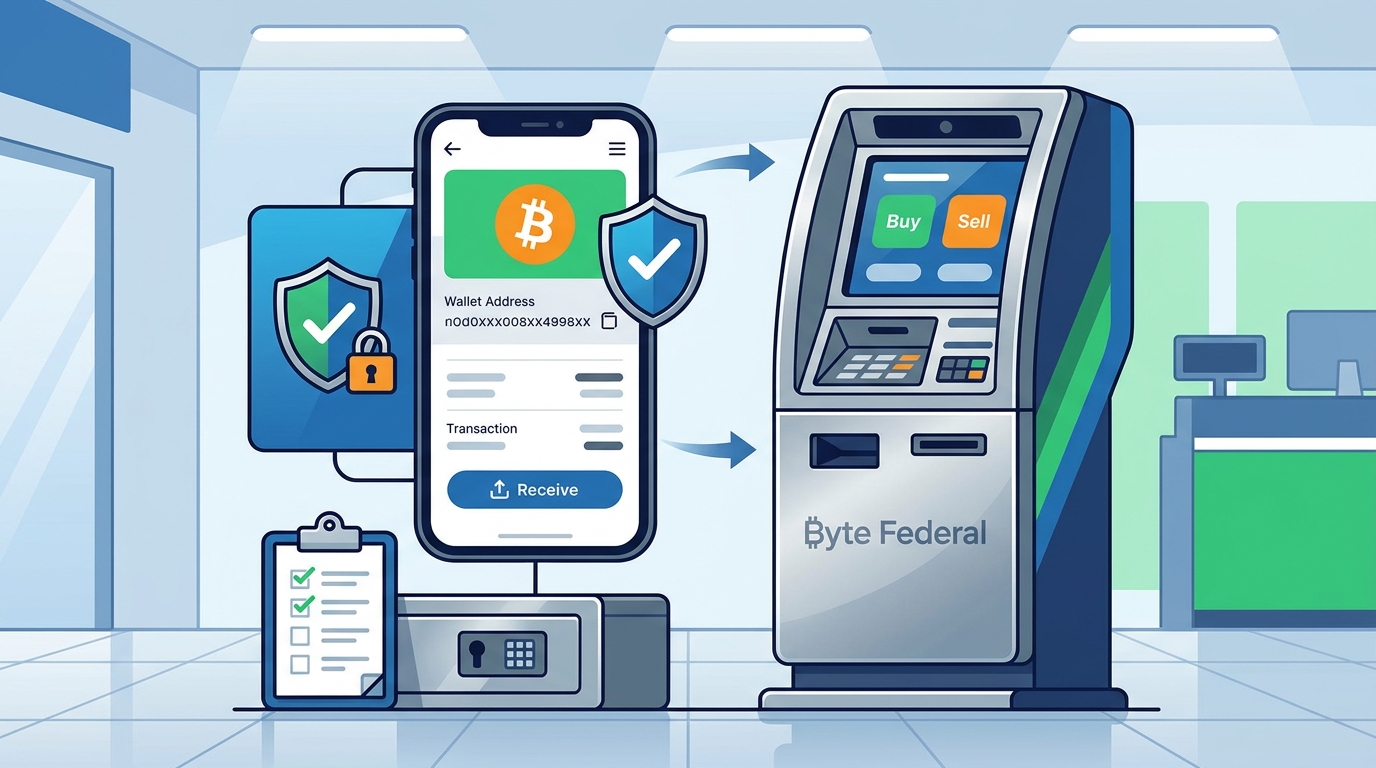
5. Generate and Verify Your Receiving Address
Open the 'Receive' screen to display your unique public address and QR code. A receiving address is a public identifier used to direct a cryptocurrency payment to your wallet. You will need to scan this QR code at the Bitcoin ATM to send the purchased coins to your account. Double-check that the address on the screen matches the one in your wallet to avoid sending funds to the wrong destination.
6. Test with a Small Transaction (Optional)
Consider sending a small amount of crypto to your new wallet to verify it works. If you already hold some cryptocurrency, sending a tiny amount to your new address can confirm that the wallet is functioning correctly. This is optional but helpful for peace of mind. If you are starting from zero, you can skip this step and proceed directly to the ATM purchase.
7. Register for the ATM Network Account
Create an account with the Bitcoin ATM operator to streamline your first visit. Many networks, including Byte Federal, allow you to register online before visiting a kiosk. This pre-verification process can save time at the machine. You will typically need to provide your phone number and a government-issued ID. Having your account ready ensures a faster and smoother transaction experience.
Choosing the Right Wallet for Your Needs
Select a wallet that balances security, ease of use, and compatibility with your preferred Bitcoin ATM network. For users prioritizing self-custody and integration with a specific ATM provider, a dedicated app like ByteVault is a strong choice. Always prioritize wallets that offer robust security features and clear user interfaces.
Frequently Asked Questions
Do I need a bank account to use a Bitcoin ATM?
No, Bitcoin ATMs are designed for cash-to-crypto transactions. You do not need to link a bank account to buy Bitcoin with cash. You only need a digital wallet with a receiving address.
What is a seed phrase and why is it important?
A seed phrase is a backup key for your wallet that allows you to recover your funds. It is crucial because if you lose your phone, the seed phrase is the only way to access your Bitcoin. Keep it safe and offline.
Can I use any wallet with a Bitcoin ATM?
Yes, as long as the wallet supports the cryptocurrency you are buying and can display a receiving QR code. However, using a wallet from the same provider as the ATM, like ByteWallet or ByteVault with Byte Federal, can offer faster login and integration.
How long does it take to set up a wallet?
Setting up a new wallet typically takes less than five minutes. You will need time to securely write down your seed phrase, but the digital setup is quick and straightforward.
Is it safe to use a Bitcoin ATM for my first purchase?
Yes, provided you use a reputable operator and follow security best practices. Ensure you are using a legitimate wallet and verify the ATM location. Byte Federal is a FinCEN-registered operator, adding a layer of regulatory compliance and safety. Learn more: Byte Federal Contact.